Introduction
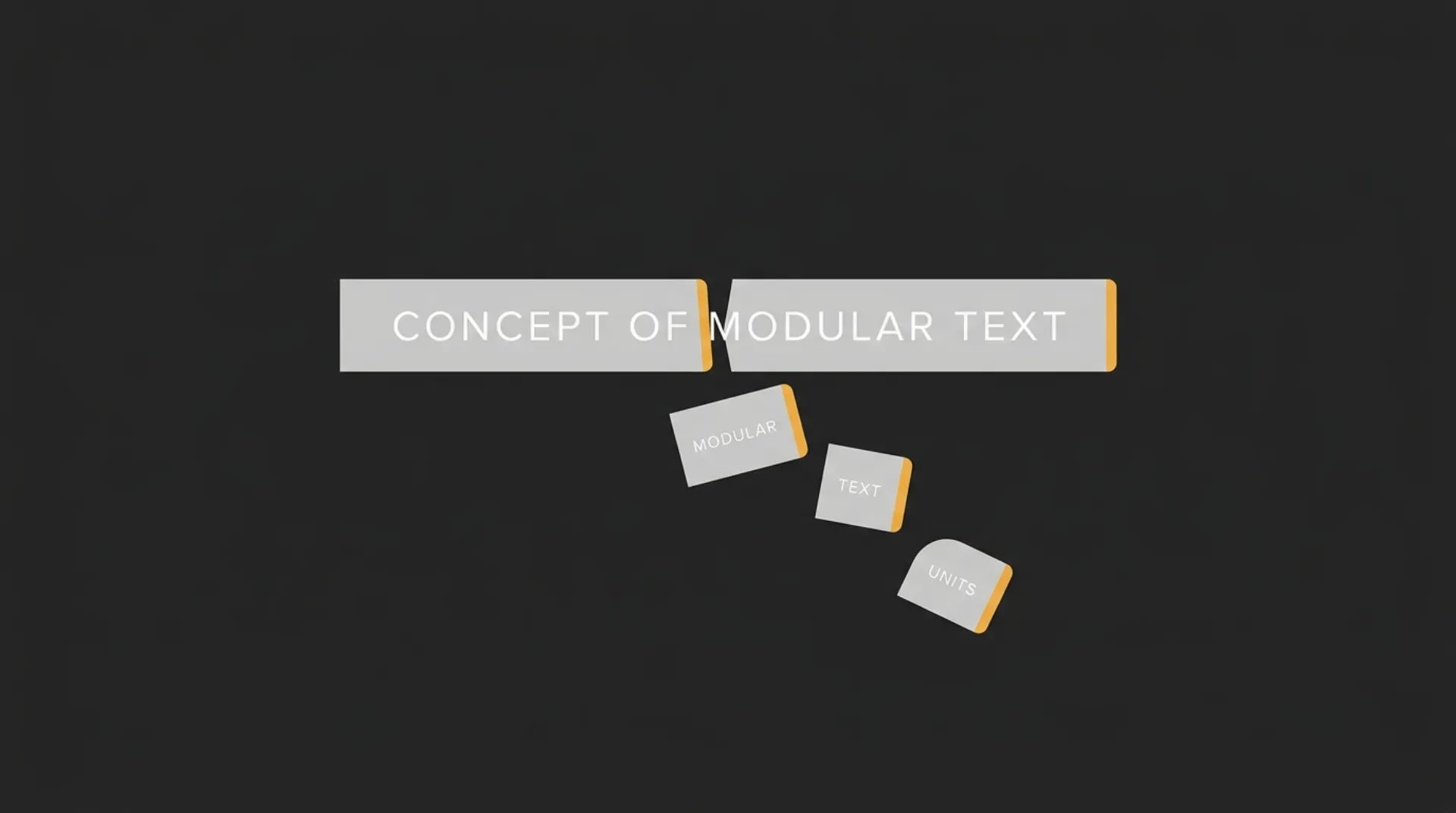
If you’re asking how tokens work in AI, the short version is this: AI models do not read text the way a person does. They break input and output into smaller units called tokens, and those units are what drive usage limits, processing behavior, and API cost.
That is the baseline to get dialed in. If you do not understand how tokens are counted, you cannot reliably estimate prompt size, compare model pricing, or control spend as your product, workflow, or content system starts to scale.
Calculate your AI token usage costs instantly ⇒
TL;DR: What Are AI Tokens? (BLUF)
AI tokens are small chunks of text that a model reads and generates, not full words. A token can be a whole short word, part of a longer word, punctuation, or a space pattern. Tokens are the currency APIs use to bill you.
That is why token count matters. More input tokens and more output tokens usually mean more cost, more context used, and a higher chance of hitting model limits.
The Token Math Quick Reference
| Rule of thumb | Approximate meaning |
| 1 token | About 4 characters of English text |
| 100 tokens | About 75 English words |
| Tokens in | What you send to the model |
| Tokens out | What the model generates back |
| Total billed usage | Usually based on input tokens plus output tokens |
These are rough planning numbers, not exact conversions. Real token counts vary by wording, formatting, punctuation, code, and language.
How AI Tokenization Actually Works
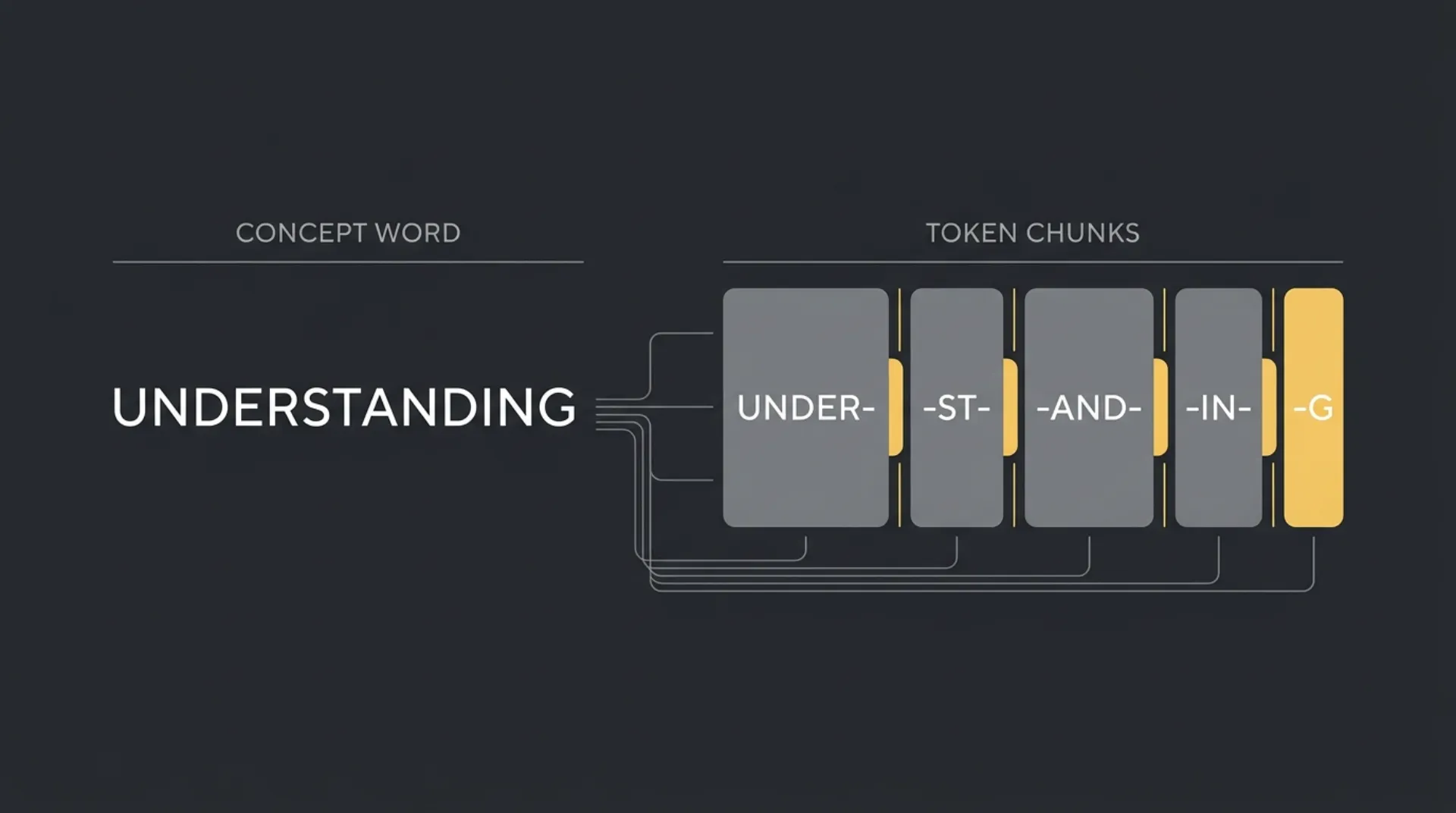
Tokenization is the step where a model turns raw text into smaller pieces it can process. It does not read a sentence as a neat line of words. It looks at patterns from training, breaks text into likely chunks, and then predicts the next token based on the tokens already in context.
That is why small formatting changes matter. The model is not counting words like a human editor. It is working with text fragments, and those fragments affect both cost and behavior.
Spaces, Punctuation, and Capitalization
A token can change when the surrounding text changes. The same letters may split differently depending on whether there is a leading space, punctuation, or a capital letter.
For example:
- red
- Red
- red.
- RED
Those may not map to the same token pattern. A leading space can matter. Punctuation can matter. Capitalization can matter. The model has seen common text patterns during training, so it tends to encode frequent patterns efficiently and less common patterns less efficiently.
In practice, this means formatting is not free. Extra punctuation, messy spacing, repeated labels, and bloated prompt wrappers can all increase token usage. It also explains why a prompt can stay under the token limit but still perform worse than expected. A larger context window gives you room, but it does not guarantee the model will treat every instruction with equal weight.
A simple way to think about it:
| Text pattern | Why it can change token count |
| Leading space | The model may treat word and word as different chunks |
| Punctuation | word, word, and word. can split differently |
| Capitalization | apple and Apple may not tokenize the same way |
| Repetition and wrappers | Extra labels, boilerplate, and formatting add more tokens to bill |
Language and Code Differences
Plain English is usually more token-efficient than many other text types. Non-English languages, mixed-language prompts, and dense technical strings often need more tokens to express the same amount of meaning.
Code can be especially token-heavy. Variable names, symbols, indentation, brackets, file paths, and long unbroken strings do not behave like normal prose. The same goes for JSON, logs, transcripts, and scraped website text. They are useful, but they can burn through context faster than a clean paragraph.
For founders, the commercial point is simple:
- Short plain-English prompts usually go further per token.
- Structured data and code can increase usage fast.
- Multilingual workflows may cost more per task than an English-only workflow.
- Cleaning inputs before sending them to an API can reduce waste.
This is one of the easiest wins in a production system. If Marcus-Aurelius Engines is building an AI workflow for content, support, or internal ops, prompt hygiene is not just a technical detail. It directly affects output consistency, context efficiency, and the bill at the end of the month.
Input Tokens vs. Output Tokens (How You Get Billed)
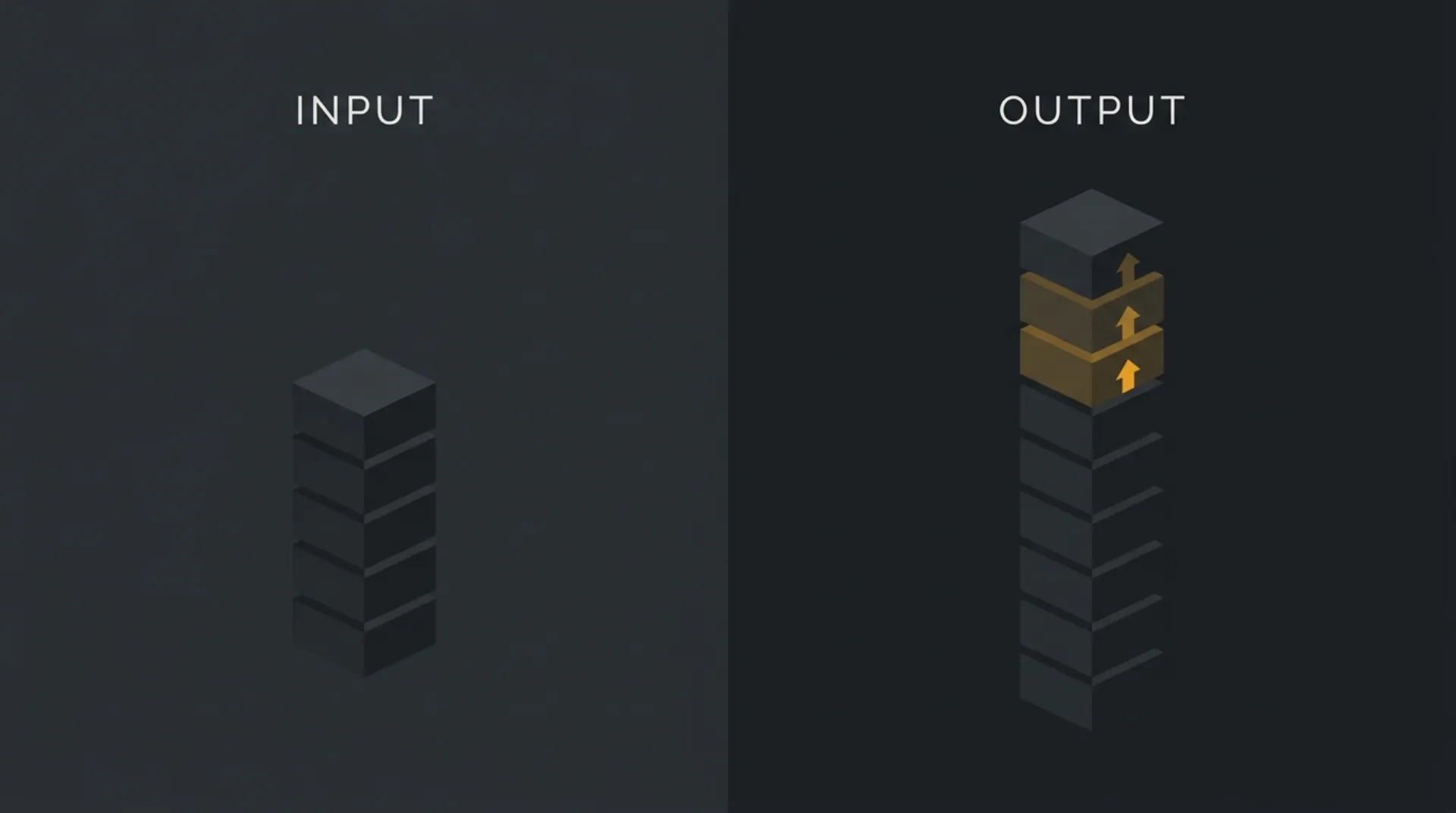
AI API billing usually has two sides: what you send in, and what the model sends back. Input tokens are your prompt, system instructions, examples, chat history, and any attached text context. Output tokens are the model’s generated reply.
The important business detail is simple: output tokens are almost always priced higher than input tokens across major APIs. So a cheap-looking prompt can still turn into an expensive call if the model generates a long answer.
- Input tokens: the text you send to the model. This includes user prompts, system prompts, prior conversation turns, retrieved context, and formatting overhead.
- Output tokens: the text the model generates back. This includes the visible answer and, depending on the API setup, any structured response content you ask it to produce.
- Why input grows quietly: long prompts, repeated instructions, pasted documents, logs, JSON, and full chat history all increase token count before the model writes a single word.
- Why output gets expensive fast: long-form answers, verbose summaries, large tables, code generation, and multi-item rewrites can push generated token count much higher than expected.
- What you are really paying for: total usage per call, split into input and output categories, with different rates attached to each.
A simple example: if you send a moderate prompt but ask for a long report, rewrite, or multi-step analysis, the output side can become the main cost driver. That is why token control is not just about trimming prompts. It is also about setting tighter response length, cleaner formatting rules, and more focused tasks.
This is where founders often get caught. They optimize the prompt, then ignore the size of the answer. In production, both sides matter, but the output side is often where the bill climbs faster.
Context Windows and Token Limits
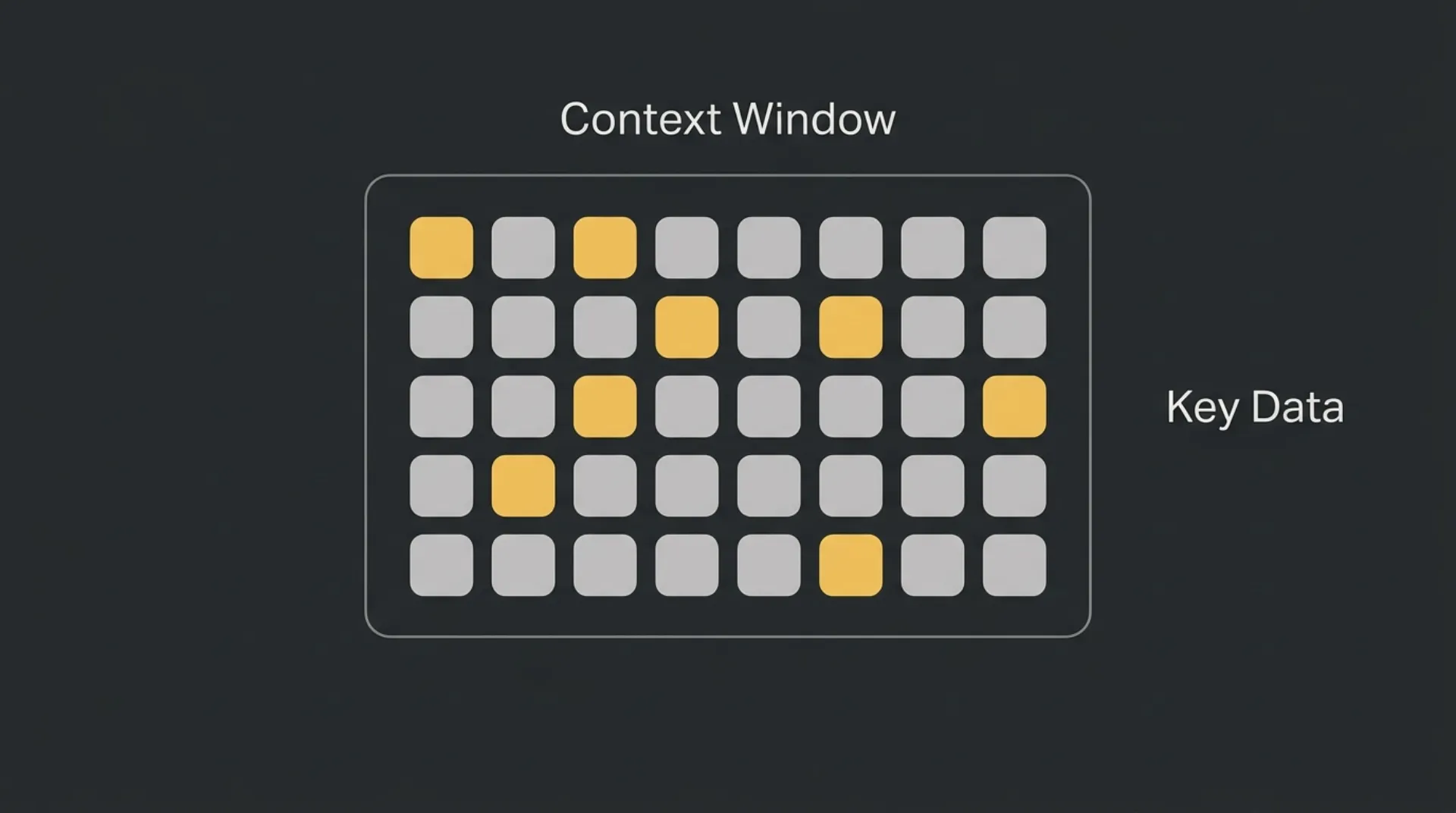
A context window is the maximum total tokens a model can handle in a single request. That total includes everything: system instructions, user input, chat history, retrieved documents, and the model’s output.
Think of it as short-term working memory. If you hit the limit, one of two things usually happens: the API rejects the request, or older context gets truncated so the model no longer sees the full conversation or source material.
A bigger context window is useful, but it is not a free pass. Long prompts can still become less reliable as important instructions get buried inside a large block of text. Capacity and consistency are not the same thing.
Comparing OpenAI, Gemini, and Claude
Here is the practical snapshot founders usually care about:
| Provider / model family | Approximate context window | What it means in practice |
| OpenAI GPT-4 class models | 128k tokens | Good for long documents, multi-turn workflows, and larger prompt stacks |
| Anthropic Claude 3.5 class models | 200k tokens | More room for long instructions, larger source files, and extended conversations |
| Google Gemini 1.5 class models | 1M+ tokens | Designed for very large contexts, including long documents, codebases, and multimodal inputs |
The key planning point is simple:
- 128k is already large for many business workflows.
- 200k gives more headroom for complex assistants and document-heavy tasks.
- 1M+ changes what is possible, but it does not remove the need for prompt structure.
If your workflow regularly sends huge transcripts, scraped pages, support logs, or code files, context size becomes a real selection factor. If your workflow is mostly short prompts and short answers, token pricing and output quality may matter more than headline context size.
Hidden Token Costs You Need to Track
The visible prompt and reply are not always the full story. Some APIs expose extra token categories that quietly affect monthly spend, especially once you move from testing into production.
This is the kind of detail that protects margins. If you only track prompt size and answer length, you can still miss where the bill is actually coming from.
Reasoning Tokens
Some advanced models use internal reasoning before they produce a final answer. These reasoning tokens are part of the model’s internal work, and they can carry cost.
That matters because a short visible output does not always mean a cheap request. A model can return a concise answer after doing a lot of internal processing first.
In practice, reasoning-heavy tasks tend to be the ones that surprise teams:
- multi-step analysis
- complex planning
- tool selection
- code debugging
- edge-case decision logic
If your workflow depends on high-reasoning models, watch spend at the model level, not just at the prompt level. Two requests with similar input and output size can still have very different cost profiles.
Cached Tokens
Cached tokens are repeated input tokens that the provider can recognize and price at a discount in some setups. This usually applies when the same context window, system prompt, or large repeated block is sent again.
That is good news if your app reuses the same instructions across many calls. Stable prompt architecture can reduce waste. Messy prompt architecture can do the opposite.
A few common cases where caching can matter:
- the same long system prompt reused across sessions
- repeated policy or brand instructions
- fixed tool definitions sent again and again
- large reference context that changes rarely
The catch is simple: caching is not the same as free. You still need to track it, understand when it applies, and design around it intentionally. If you are running agentic workflows, retries, tool loops, or repeated context loads, small inefficiencies can compound very fast.
5 Ways to Reduce Your API Token Costs
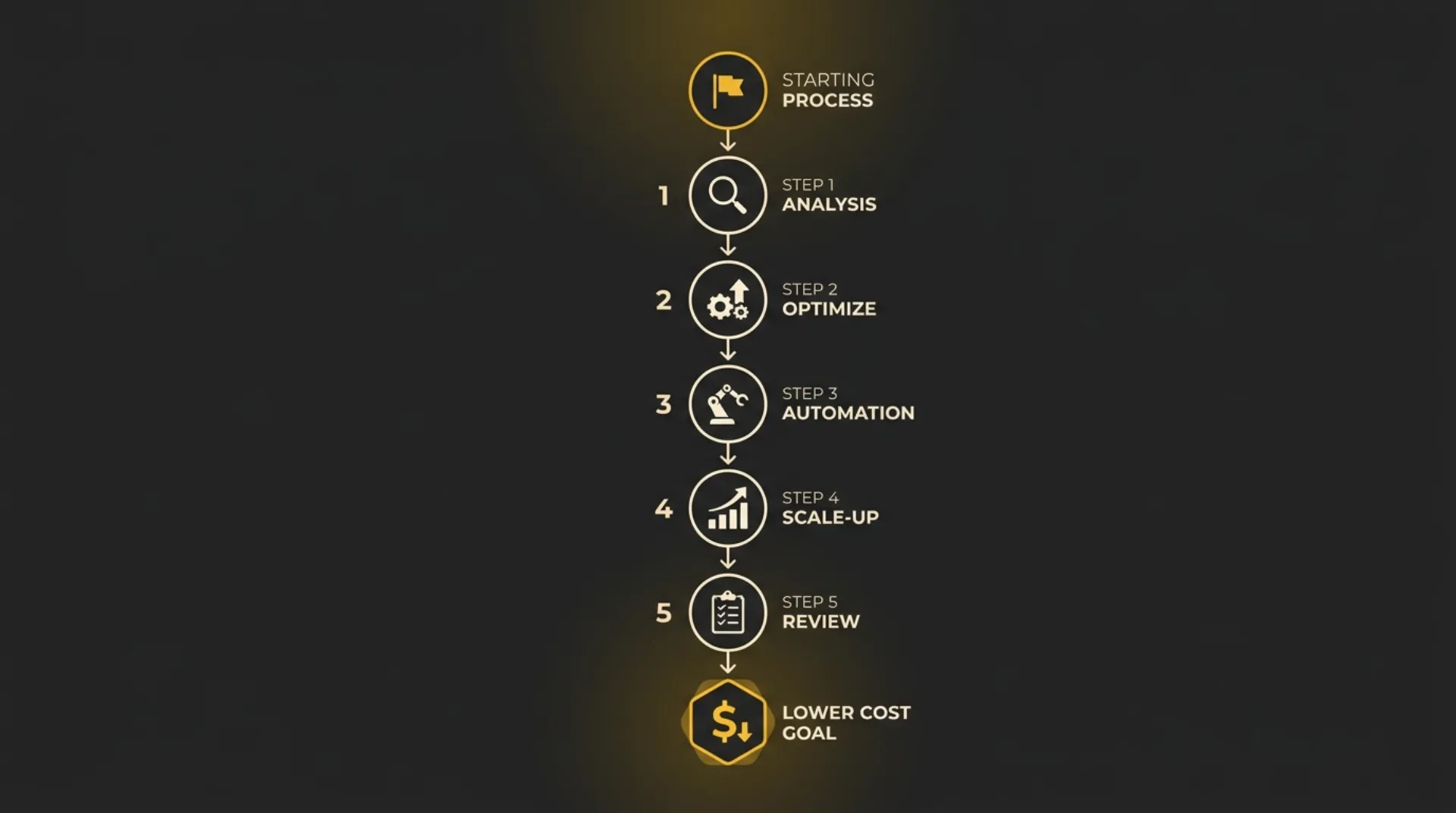
If you want a dialed-in system for better ROI, cut waste on both sides of the request: what you send and what the model sends back. Small prompt decisions compound fast at scale.
1. Cut pleasantries and filler
AI does not need social padding. Phrases like please, thank you, hope you’re well, or long scene-setting intros add tokens without improving the task.
Write prompts like instructions, not emails. Get to the point fast.
2. Set strict output limits
Do not just ask for an answer. Tell the model how long the answer should be.
Add constraints like:
- answer in 3 bullets
- use 1 short paragraph
- return JSON only
- limit response to a brief
This is one of the highest-impact cost controls because output tokens are usually the more expensive side.
3. Summarize chat history instead of resending everything
Long conversations get expensive when every turn is carried forward. Instead of passing the full thread every time, replace older messages with a short working summary that preserves only the facts, decisions, and open items the model still needs.
That keeps the context useful without dragging dead weight into every call.
4. Minify code, data, and retrieved context before sending
Raw logs, full JSON payloads, scraped HTML, verbose transcripts, and untrimmed code blocks can burn tokens very quickly. Clean them first.
A simple filter helps:
- remove comments that are not needed
- strip irrelevant fields
- cut duplicate content
- send only the section the model needs to solve the task
The cleaner the input, the lower the spend.
5. Use prompt caching where available
If your app sends the same large system prompt, instructions, or reference context again and again, caching can reduce repeated input cost. This works best when your prompt architecture is stable and reusable.
Treat this like infrastructure, not a bonus. Repeated context should be intentional, standardized, and easy to reuse across calls.
This is the practical playbook: shorter prompts, tighter answers, less repeated history, cleaner data, smarter reuse. Do that consistently and your token bill usually gets a lot easier to control.
Next Steps: Get Your Costs Dialed In
Controlling token usage is really about protecting your margins as you scale. If your prompts are bloated, your outputs are too long, or your workflows keep resending unnecessary context, costs creep up fast and ROI gets harder to prove out.
The fix is operational. Track token usage by workflow, tighten prompts, cap outputs, and clean the data you send to the model. That is how you keep an AI system useful without letting usage sprawl eat into profit.
If you want a faster handle on the numbers, calculate your API token costs seamlessly with tokencalculator.
Frequently Asked Questions
Do blank spaces count as tokens?
Yes. Spaces can affect how text is split into tokens, especially when they appear before words or around punctuation. A word with a leading space may tokenize differently from the same word without it.
Why do output tokens cost more than input tokens?
Output tokens usually cost more because generating text is the expensive part of the model’s work. Across major AI APIs, the model’s response is commonly priced higher than the text you send in.
Is 1 token exactly 1 word?
No. A token is not the same thing as a word. A single word can be one token, several tokens, or part of a token depending on spacing, punctuation, capitalization, language, and formatting.