
A token is the small unit of text an AI model reads, writes, and bills against. In a large language model (LLM), a token can be a whole word, part of a word, a space, punctuation, or a chunk of code.
If you’re using GPT, Claude, Gemini, or another LLM API, tokens decide three practical things: how much text fits in the context window, how long the model’s answer can be, and what the request costs. Input tokens are what you send in. Output tokens are what the model sends back. Cached and reasoning tokens can add another line to the bill depending on the provider and model.
AI Token Calculator helps developers and app owners check those costs before usage turns into an invoice they didn’t plan for. Paste your prompt, compare the token count across top LLMs, and see the cost before you call the API.
Estimate your AI token costs instantly ⇒
If you’re paying for an LLM API and don’t know what a token is, you’re flying blind
If you’re a dev or AI API user, what is a token in ai large language models is not a theoretical question. It decides whether your usage bill feels predictable or random. The fix is simple: estimate token cost before you ship, compare models side by side, and stop guessing.
Your API bill should not surprise you at the end of the month
AI Token Calculator helps developers and AI API users check token cost fast, before usage turns into an invoice you did not plan for.
- See token cost across top LLMs side by side.
- Estimate before you ship, not after the invoice.
- Free, no signup, bookmarkable.
Estimate your AI token costs instantly →
We rank #2 on Google for our own AI tool’s main keyword, same playbook, applied to our own product.
A token, in plain English
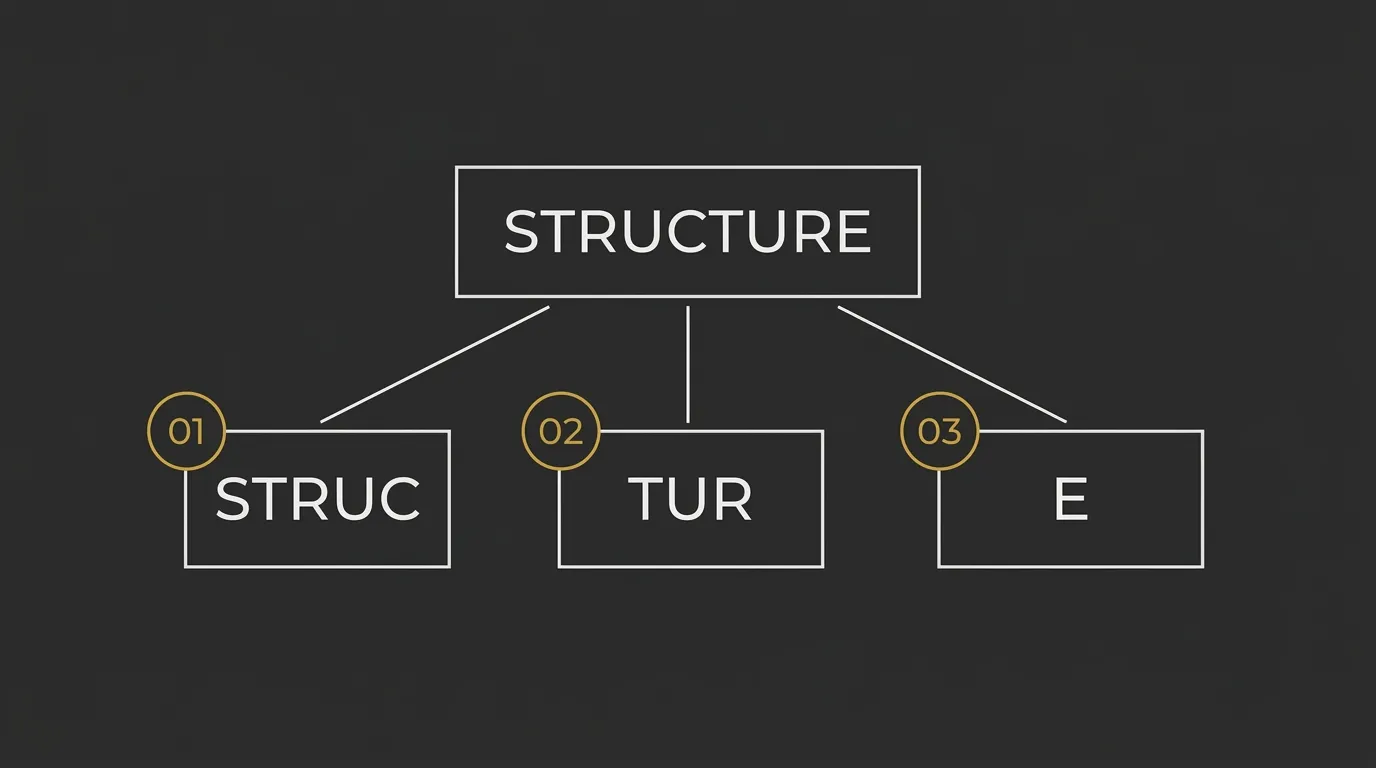
A token is a chunk of text that an LLM reads and writes. If you’re asking what is a token in AI large language models, the short answer is this: it can be a whole word, part of a word, a space, or punctuation.
Models use chunks instead of full words because that gives them a smaller, more flexible vocabulary. It also lets them handle rare words, new words, misspellings, code, and mixed text more efficiently.
The 30-second answer
A token is the small unit of text an AI model processes. Billing, context windows, and output length are usually measured in tokens, not words.
Quick rules of thumb
– 1 token ≈ 4 characters
– 1 token ≈ 3/4 of a word
– 100 tokens ≈ 75 words
– 1 paragraph ≈ 100 tokens
Who this matters for (and why you can’t ignore it)
If you ship AI features, pay model API bills, or run long prompts, token math is part of the job. Ignore it, and cost, limits, and feature pricing get fuzzy fast.
Devs building on the OpenAI / Anthropic / Google APIs
You can ship a prompt that looks small but costs far more than expected in production. That turns token usage into surprise bills and messy margin math.
Founders shipping AI features
If you do not know the unit cost, you cannot price the feature properly. That makes packaging, free tiers, and margins harder to lock in.
AI power users running long chats / RAG
Long context, retrieval, and extended sessions hit limits faster than most people expect. You can also end up paying for cached and reasoning tokens you did not factor in.
How a token actually gets made (without the math)
Here is the simple version: text goes in, gets split into chunks, those chunks get turned into IDs, and the model predicts more IDs one by one. Then those IDs get turned back into readable text.
Split the text
Your text first goes through a tokenizer, which breaks it into smaller chunks the model can work with. These chunks are not always full words.
Example: darkness might get split into dark + ness.
Assign each chunk an ID
Each chunk gets mapped to a number from the model’s vocabulary. The model works with those numbers, not with raw text directly.
Example: dark could map to 217 and ness to 655.
Predict the next ID
The model looks at the IDs it already has and predicts the next one, one step at a time. That is how it builds an answer token by token.
Example: after seeing IDs for The sky is, it may predict the next ID for dark.
Decode the IDs back into text
Once IDs are predicted, the system turns them back into readable text. That is the sentence you see on screen.
Example: IDs like 217 + 655 decode back into darkness.
Input tokens + output tokens = what you pay for.
Step 1: Your text hits the tokenizer
The tokenizer is the first stop between your prompt and the model. It slices text into chunks that are easier for the model to process than full words every time.
Step 2: Each chunk gets a number
After splitting, each chunk is matched to a token ID. Billing systems, context windows, and model internals all count those token IDs, not the plain words you typed.
Step 3: The model predicts the next number
Generation happens one token at a time. That is why longer answers, repeated chat history, and large pasted files can push token usage up fast.
Step 4: Numbers get turned back into text
The last step is decoding. The IDs become readable words, punctuation, and spacing again, so the output looks like normal language instead of a stream of numbers.
Why tokens are the unit of your LLM bill
LLM providers usually bill by token category, not by page, prompt, or session. That is why two workflows that feel similar can still land at very different costs.
| Token type | What it is | Who pays for it | Typical price signal |
|---|---|---|---|
| Input tokens | The text you send in, like prompts, chat history, system instructions, and pasted files. | The API user or app owner sending the request. | Usually billed at the base input rate. |
| Output tokens | The text the model generates back as an answer. | The API user or app owner receiving the response. | Often priced higher than input tokens. |
| Cached tokens | Repeated prompt content the provider can reuse instead of processing from scratch. | The API user or app owner when the model supports prompt caching. | Often discounted compared with standard input tokens. |
| Reasoning tokens | Extra internal compute tied to models that spend more effort before answering. | The API user or app owner on models that expose or bill for this behavior. | Can add cost beyond plain input and output token counts. |
Same prompt, different model = different token count = different bill.
Input vs output tokens
Input tokens are everything you send to the model. That includes the latest prompt, earlier messages, system rules, and sometimes tool or file context.
Output tokens are everything the model writes back. If you ask for long answers, code blocks, tables, or multiple rewrites, output spend rises fast.
Cached and reasoning tokens
Cached tokens usually show up when the provider can reuse repeated prompt material. This can reduce cost in workflows with stable system prompts or repeated context.
Reasoning tokens are different. They relate to models that do extra internal work before returning an answer, which can make the same task cost more than a simpler model.
Why the same prompt costs different amounts on different models
Different models do not always split text the same way, and they do not always price token categories the same way. The model itself also changes the bill, because some are built for speed and lower cost while others spend more compute per request.
Stop guessing — see the cost before you call the API
Now the commercial bit is simple: tokens are the unit, and small prompt changes can move cost fast. AI Token Calculator gives you a quick way to check that before you ship.
Know your token cost before you ship, not after.
- Compare GPT, Claude, Gemini and more in one view.
- Paste your prompt, see the token count + cost instantly.
- Free, no signup, bookmark it once and you’re set.
Estimate your AI token costs instantly →
Built by a solo dev, ranked #2 on Google for its main keyword.
Things devs get wrong about tokens
1 word ≠ 1 token
This is the first bad assumption, and it causes bad estimates. A single word can split into multiple tokens, for example `darkness` can become `dark` + `ness`.
Spaces and punctuation count
Tokens are not just visible words. A leading space can change the token ID, and punctuation marks can count too, so minor formatting changes can shift both token count and cost.
Non-English text costs more
English is usually more token-efficient than many other languages. For example, `Cómo estás` is 10 characters but can take 5 tokens, which is why Spanish, German, and Japanese often use more tokens per character than people expect.
Long context windows still bill per token
A huge context window is not free room, it is just a higher ceiling. If you dump in long chat history, bloated instructions, or too much retrieved context, you still get billed token by token for all of it.
Common questions devs ask before they trust the number
How accurate is a token estimate before I actually call the API?
For normal English text, BPE-based calculators built on Tiktoken-style logic are usually within a few percent of the final API count. That is close enough to make pricing, prompt trimming, and model comparison decisions before you ship.
Do different models really tokenize the same text differently?
Yes, they do. GPT, Claude, and Gemini use different tokenizers, so the exact same text can produce different token counts and a different bill.
What if my prompt has code, JSON, or non-English text?
That is exactly where rough guesses break. Code, JSON, and non-English text usually tokenize less efficiently, so you should estimate it directly instead of assuming it behaves like plain English prose.
Can I just use character count divided by 4 instead?
You can use the divide-by-4 rule for a rough English back-of-the-napkin estimate. It falls apart fast on code, JSON, formatting-heavy prompts, and other languages, so it is not the number you should trust for real cost planning.
Bookmark the calculator. Stop being surprised by your AI bill.
AI bill surprises are usually estimation problems, not mystery problems. Save the tool once, check the cost before you send the prompt, and move on.
Bookmark the calculator and never get surprised by an AI bill again.
- Works for every major LLM provider in one view.
- Free forever, no signup.
- Bookmark it once, every future prompt gets priced in 2 clicks.
Estimate your AI token costs instantly →
Hit Cmd+D / Ctrl+D to save it now.