
The Claude Code token cost you feel in a real workflow is usually higher than the simple per-token rate suggests, because Claude Code is not a one-shot API call. It runs as an agentic session, keeps growing context in play across turns, and can resend that accumulated context plus tool output as the session continues, so the invoice can outpace the back-of-the-napkin estimate from the Claude Code pricing page.
This page is for the developer trying to work out if Claude Code is affordable before using it, and for the one who already got surprised by a session bill after a long coding run. We’ll break down what actually drives spend, why session cost compounds, how to read your own usage inside Claude Code, and how to make sense of the gap between the rate card and the real bill.
Estimate Claude Code token costs ⇒
What Claude Code Actually Costs You
A Claude Code session bills for input, output, cache reads, and cache writes, and the real cost usually runs several times higher than a single-call estimate because context is re-sent every turn.

The short answer
Claude Code does not bill like a clean one-off prompt. It bills like an agent loop, where every turn carries a fixed context overhead before the actual task, so the session cost is driven by repeated state, not just by what you typed.
That fixed overhead is large. In measured agent runs, each turn can ship roughly 16,000 to 26,000 input tokens before your new instruction even starts, which is why fixing a typo can land surprisingly close to a bigger code task on a per-turn basis. And because output tokens are priced higher than input on major providers, long generations often push cost up faster than prompt length does.
For the actual model rates, see our Input vs Output Tokens in AI primer now, and the live Claude Code rate table in the next section.
What lands on the input side
Input is more than the prompt box. In Claude Code, input tokens can include the running context, prior turns, file reads, tool results, retries, and other state the agent carries forward to keep working on the same session.
That’s why the bill often looks disconnected from what a developer remembers typing. If you only compare your typed instruction to the invoice, the math won’t make sense. The useful view is the full token breakdown for the run, especially which parts were repeated context and which parts were generated output.
Cache reads and cache writes also sit in the billed flow, alongside normal input and output. The rate table matters, but the mechanism matters first: Claude Code is charging for everything the agent has to carry, fetch, and send to complete the turn, not just the final request text.
Claude Code Rates, Checked Live
These are the current standard Claude API rates relevant to Claude Code usage, checked against Anthropic pricing dated 2026-08-21. The key thing to watch is not just input and output price, but the separate cache read and cache write rates, because Anthropic bills both.
| Model | Input per MTok | Output per MTok | Cache read | Cache write |
|---|---|---|---|---|
| Claude Opus 5 | $5.00 | $25.00 | $0.50 | $6.25 (5m) / $10.00 (1h) |
| Claude Sonnet 5 | $2.00 | $10.00 | $0.20 | $2.50 (5m) / $4.00 (1h) |
| Claude Haiku 4.5 | $1.00 | $5.00 | $0.10 | $1.25 (5m) / $2.00 (1h) |
| Claude Opus 4.8 | $5.00 | $25.00 | $0.50 | $6.25 (5m) / $10.00 (1h) |
| Claude Opus 4.7 | $5.00 | $25.00 | $0.50 | $6.25 (5m) / $10.00 (1h) |
| Claude Opus 4.6 | $5.00 | $25.00 | $0.50 | $6.25 (5m) / $10.00 (1h) |
| Claude Sonnet 4.6 | $3.00 | $15.00 | $0.30 | $3.75 (5m) / $6.00 (1h) |
| Claude Sonnet 4.5 | $3.00 | $15.00 | $0.30 | $3.75 (5m) / $6.00 (1h) |
Output runs at roughly 5x input on these models, and cache write costs more than a first read.
Why a Session Costs a Multiple of the Estimate
A Claude Code session costs a multiple of the simple rate-card estimate because each new turn can carry forward far more input than the latest prompt alone. The model is not just reading your last line. It is reading the accumulated context for that session, which can include prior messages, system instructions, tool definitions, and any file content that has been pulled into the working thread.
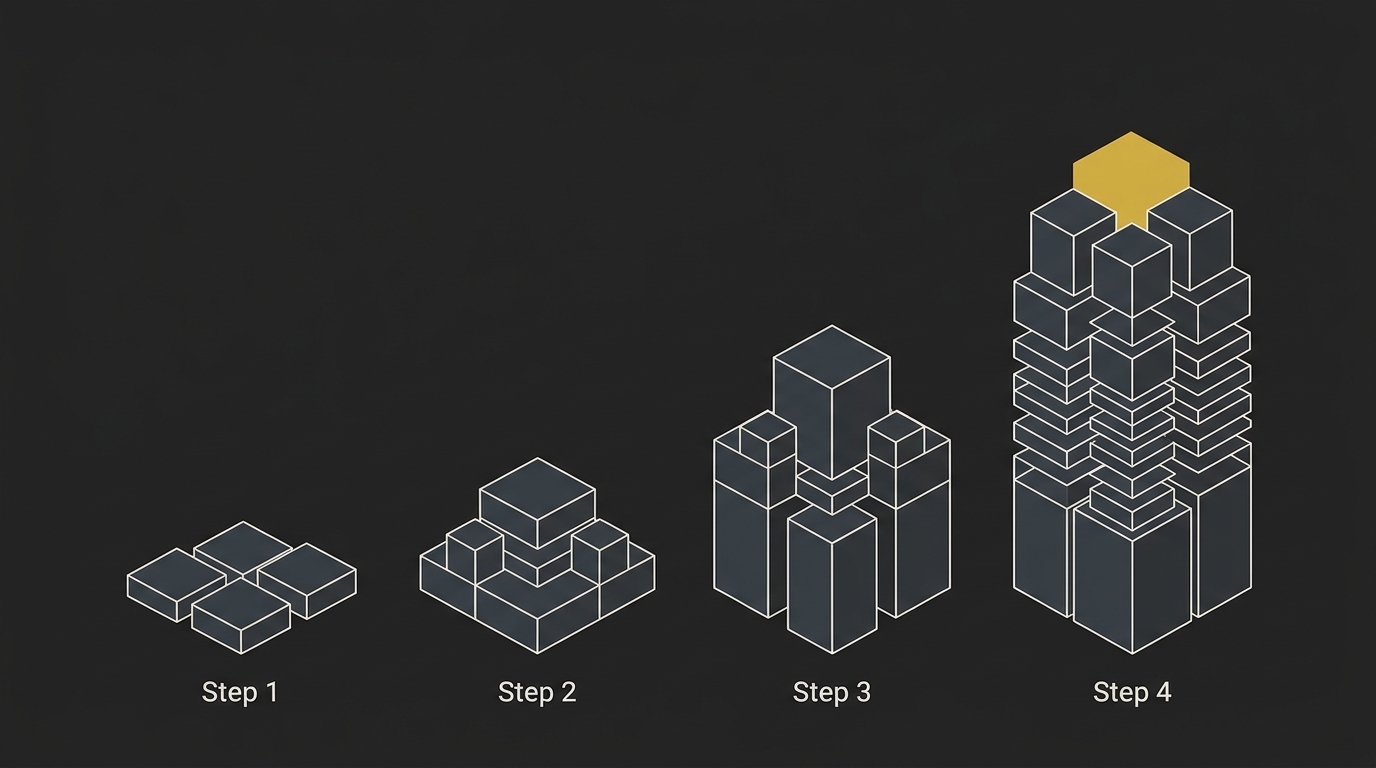
That is why a small task can become an expensive agent run once the conversation gets long. The pricing formula for one API call is simple. The pricing formula for an agent workflow is different: turns multiplied by re-sent context, plus output across the whole run.
Context grows and is re-sent every turn
The input side usually grows as the session grows. If turn 5 includes 20,000 input tokens, turn 50 can be many times higher even if your new prompt is short, because the model may be re-reading the earlier context needed to stay on track.
In practice, that context is not just chat history. It can also include the standing instructions for the agent, tool schemas, and file reads that were brought into the session earlier. So the cost climbs even when the visible prompt barely changes.
A measured 90-day audit across 568 sessions and 40,977 turns found average cache re-send volume of about 330,000 tokens per turn. Why does that matter? Because it shows how far real agent usage can drift from the mental model most developers start with, which is one prompt in, one answer out.
Retries amplify the same mechanism. So do long debugging threads, resume-heavy workflows, and any task where the agent keeps looping through tools before it lands the final output.
A worked example from the live rates
Using the live rate structure already covered above, the math changes fast once the session gets deep. A fresh turn with 20,000 input tokens is one thing. A later turn in a 100-plus-turn session that sends 200,000 input tokens is 10 times the input volume before you even count the new output.
If you price only the latest prompt, you undercount the task. If you price the whole agent run, the true driver is cumulative input across turns. That is the gap that catches people: message 100 is often expensive because of everything that came before it, not because that one request was unusually hard.
A clean way to think about it is this:
| Scenario | Input sent on this turn | Relative input cost |
|---|---|---|
| Fresh session turn | 20,000 tokens | 1x |
| Deep session turn | 200,000 tokens | 10x |
| Measured heavy-use average | 330,000 tokens | 16.5x |
Those multiples are input-side only. Add output tokens on top, then repeat that across dozens of turns, and the final bill for the session can land far above the quick estimate you would get from a single-call calculator.
If you want the general math behind that kind of token estimator, the key idea is simple: cost per call is not cost per run. One high-turn session beats a cheap-looking prompt every time.
How to Check Your Token Usage in Claude Code
You check Claude Code usage in two places: /usage for the live session view, and the Anthropic Console Usage page for the billed view. Read both, because what you typed is only a small part of the total cost once cache reads, cache writes, and repeated context start stacking up.
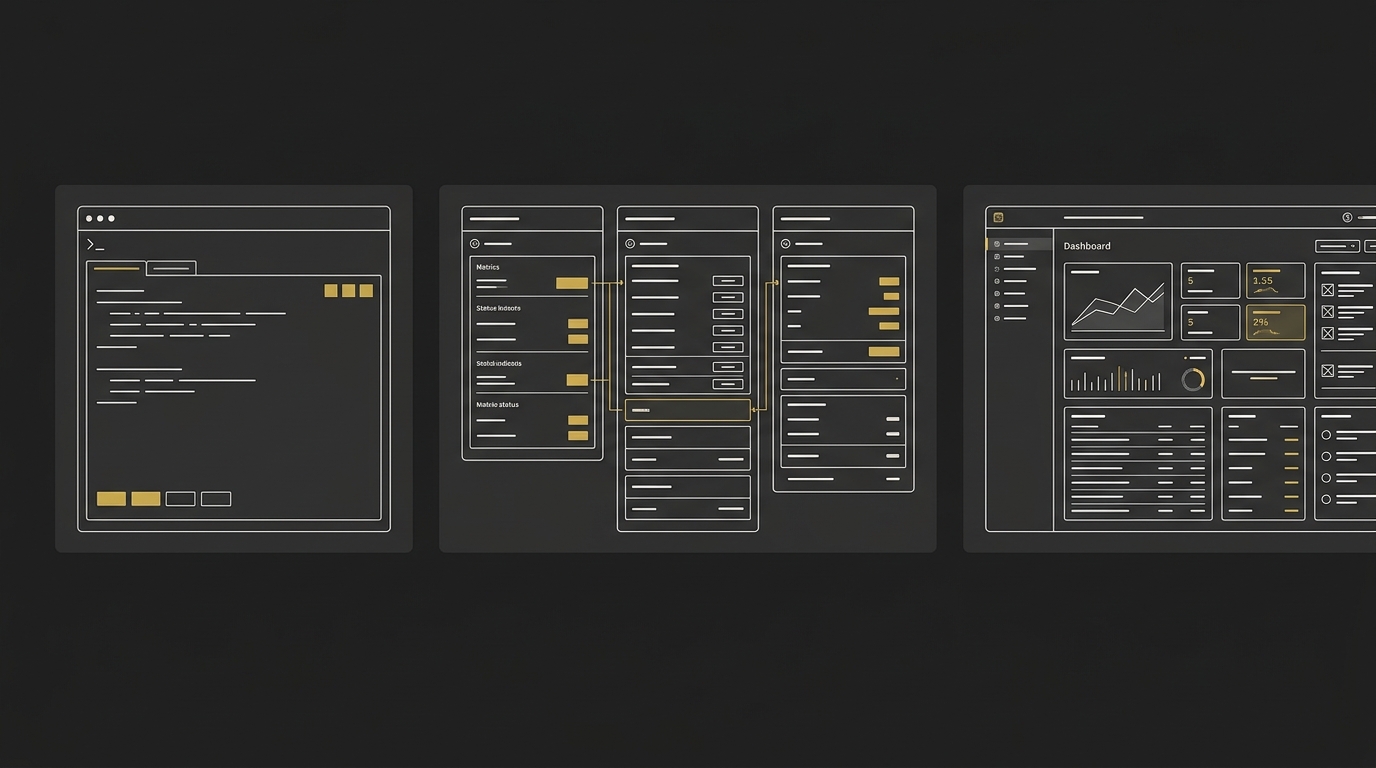
The fast way is to inspect the current session first, then confirm the organization-level usage in Console. That second view is the one to trust for billing, while the first is what helps you catch workflow issues as they happen.
The in-session cost command
The in-session command is /usage, and it shows the current session’s token usage by model. In that view, Claude Code exposes input, output, cache read, and cache write counts, along with a session cost estimate and session duration.
That matters because a prompt log can look normal while the usage profile is quietly expensive. Why? Because the token eaters are often repeated context, cache churn, or tool activity, not the last line you typed.
The Anthropic Console usage view
The Anthropic Console Usage page is the billed view to check when you want the authoritative spend picture. The in-session figure is useful for live debugging, but the docs state it is an estimate computed locally, so Console is the one to trust for actual billing and organization reporting.
If you’re managing Claude Code across a team, the Console also gives a cleaner usage view at the workspace level. The documented route is through the Anthropic Console, where organizations can view cost and usage reporting for the Claude Code workspace.
Reading cache hits and misses
Cache hits and misses are what explain why two similar sessions can have very different cost. If cache read volume is high and cache writes stay stable, your session is usually reusing context efficiently; if writes keep climbing or expected reads never show up, something in the run is changing more than it should.
Cache hit rate is the metric most operators should log per agent run, even though it is not surfaced as the default dashboard number. It tends to expose silent bugs that don’t throw errors, like prompts mutating between turns, timestamps being injected into system instructions, or tool lists being rebuilt on every request.
And there’s a second layer here. Better observability than a black-box progress bar helps: a turn-by-turn breakdown by file, tool, or request often makes the real token-heavy path obvious, which is what drives the workflow change. For a refresher on the underlying units, see what a token means in practice.
How to Reduce Token Usage in Claude Code
Most Claude Code waste is fixable on your side. The biggest savings usually come from controlling context growth, keeping injected instructions small, and stopping the habit of using the strongest model for every tiny task.
Keep sessions short and clear context between tasks
Start a fresh session for unrelated work, and don’t let one coding session drift for hours if the task has changed. Long sessions keep dragging old context forward, which bloats input tokens, and once a session sits past the cache window, cached prefixes are less reliable, so you pay again for repeated prompt material.
Narrow file reads and trim CLAUDE.md
Read less, inject less, and keep CLAUDE.md tight. Narrow file reads to the files you actually need, avoid pasting whole files into a session that already has them, and cut always-loaded instructions, because every extra block of context can keep showing up turn after turn; the same goes for unused MCP tool definitions and schemas, which can take up a surprising share of prompt space even when those tools never get used.
Use prompt caching and pick a cheaper model for mechanical work
Reuse the same stable prompt and surrounding context when you can, because prompt caching only helps when repeated material stays genuinely repeatable. Then split work by difficulty: use a cheaper model for mechanical jobs like file search or routine classification, and save the frontier model for harder reasoning, because model routing is repeatedly reported as the highest-yield cost cut, with measured reductions in the 60% to 90% range while keeping output quality effectively the same.
Subscription vs API Billing, and Which One You Are On
Your billing mode changes what a token means financially. On a Pro or Max subscription, Claude Code usage draws against your plan limits, so token cost is mostly a capacity question inside that subscription, not a marginal dollar charge per token. On API billing, every input, output, cache write, and cache read is a real per-token charge at the rates covered earlier, and that bill keeps moving with every session.
The easy mistake is assuming an active subscription means Claude Code is using that subscription by default. It doesn’t if an API key is set in the environment, because that can make Claude Code bill the API even while you also pay for a plan. And don’t try to translate a subscription meter straight into API spend, because the mapping is not 1:1. One tracked Max subscriber logged 6.5 million tokens across 35 days and estimated about $4,924 at API list rates against a $200 monthly plan, which shows why heavy interactive users should price the same workload both ways before they decide.
Estimate Before You Build, Not After the Invoice
If you’re on a subscription, the main thing to control is session length and cache hygiene, because the financial question is really how fast your plan capacity gets burned. If you’re on API billing, the direct moves are simpler: cap output, push mechanical work to a cheaper model, and do the cost math before the session starts, not after the invoice lands.
And if tokens themselves still feel a bit abstract, start with what a token is in AI large language models first, then come back and estimate your Claude Code cost on the homepage. The arithmetic is available before you build. Use it.
Frequently Asked Questions
How much does Claude Code cost per token?
Claude Code does not have its own special token price, it uses the underlying model’s API rates when you’re on API billing. The number that matters is not just input and output token price, but also cache reads and cache writes, because a real Claude Code session keeps re-sending context across turns and that pushes the billed total above a simple one-prompt estimate.
Why did my Claude Code usage hit the limit so fast?
Claude Code usage usually burns faster than expected because the tool keeps carrying forward growing context, which means each new turn can bill far more token input than the last prompt alone suggests. In practice, fast limit hits often come from long agentic sessions, broad file reads, heavy MCP context, and in some cases version-to-version changes that alter token accounting enough to feel like a regression on the same project.
How do I see token usage inside Claude Code?
You see token usage in two places: /usage inside Claude Code for the live in-session view, and the Anthropic Console Usage view for the billed account-level view. Read both, because the terminal helps you spot what the current session is consuming, while the Console shows the usage that actually lands on your workspace or subscription reporting.
Does Claude Code bill me during idle time?
Claude Code does not bill just because a terminal window is sitting open with no new requests being made. The catch is that when you resume work later, cache behavior and context carry-forward can still make the next request larger than expected, and some developers have worried that long-open workflows blur the line between true inactivity and costly cache reuse, so idle windows are still worth closing when a task is done.
Do subscription plans map 1:1 to API token costs?
Subscription plans do not map 1:1 to API token costs because they meter capacity differently. On Pro, Max, Team, and Enterprise, Claude Code draws against plan allowances and rolling windows, while API billing charges directly from model rates and workspace spend, so the same token-heavy workflow can feel like a limit problem on subscription and a dollar-cost problem on API.